

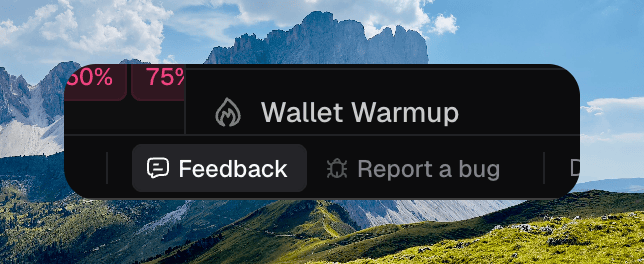
Feedback and Report a bug in the footer
Feedback
Use Feedback for ideas, friction, and things you want to see.- Write what you think in What do you think?
- Optionally click Attach screenshot, then View screenshot to crop or zoom to the area you mean.
- Click Send feedback.
Report a bug
Use Report a bug when something went wrong.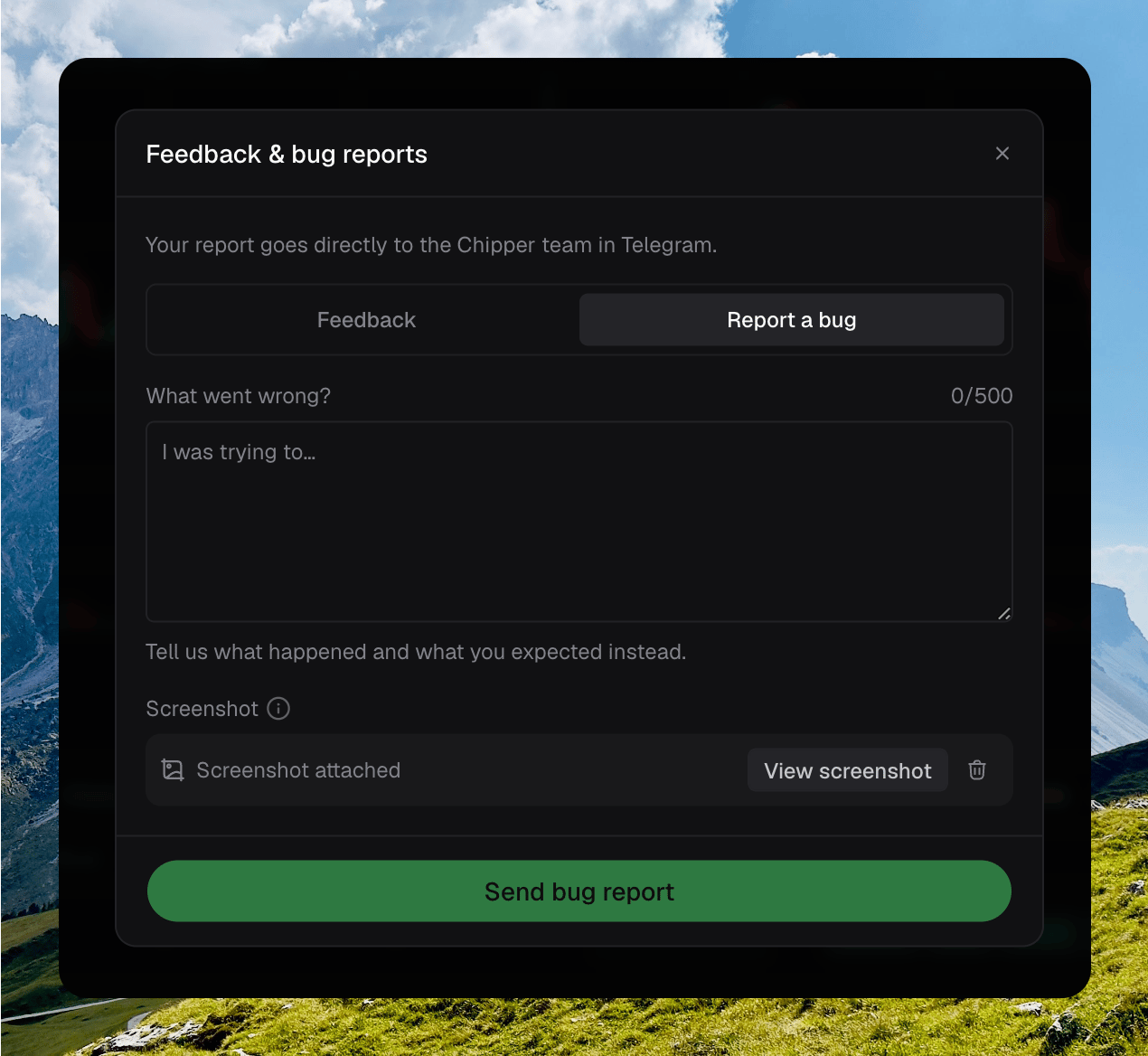
The Feedback & bug reports dialog on Report a bug, with a screenshot attached
- Write what happened and what you expected in What went wrong?
- A screenshot of the current view is attached automatically, with the page you were on. Click View screenshot to crop or zoom. Remove it if you do not want it sent. If capture fails, click Retry screenshot or send without it.
- Click Send bug report.