> ## Documentation Index
> Fetch the complete documentation index at: https://docs.chipperg.xyz/llms.txt
> Use this file to discover all available pages before exploring further.
# Quick Trade
> Buy and sell from a wallet row in one click.
Quick-trade chips sit on each wallet row on a [token page](/trading/token-page). They buy or sell from that wallet only.
## Quick-trade chips
Open the **Wallets** tab. The **Individual Trade** column has a row of buy chips and a row of sell chips, plus a **Randomize** button on each side.
Chip values come from the active [trading preset](/platform/presets). You get one to eight chips per side. Edit them in [Trade Settings](/trading/trade-settings).
**Randomize** trades a rounded amount between that side's min and max. It uses the same confirmation rules as the chips. Buy shows it by default. Sell does not, until you turn it on in [Trade Settings](/trading/trade-settings#randomize).
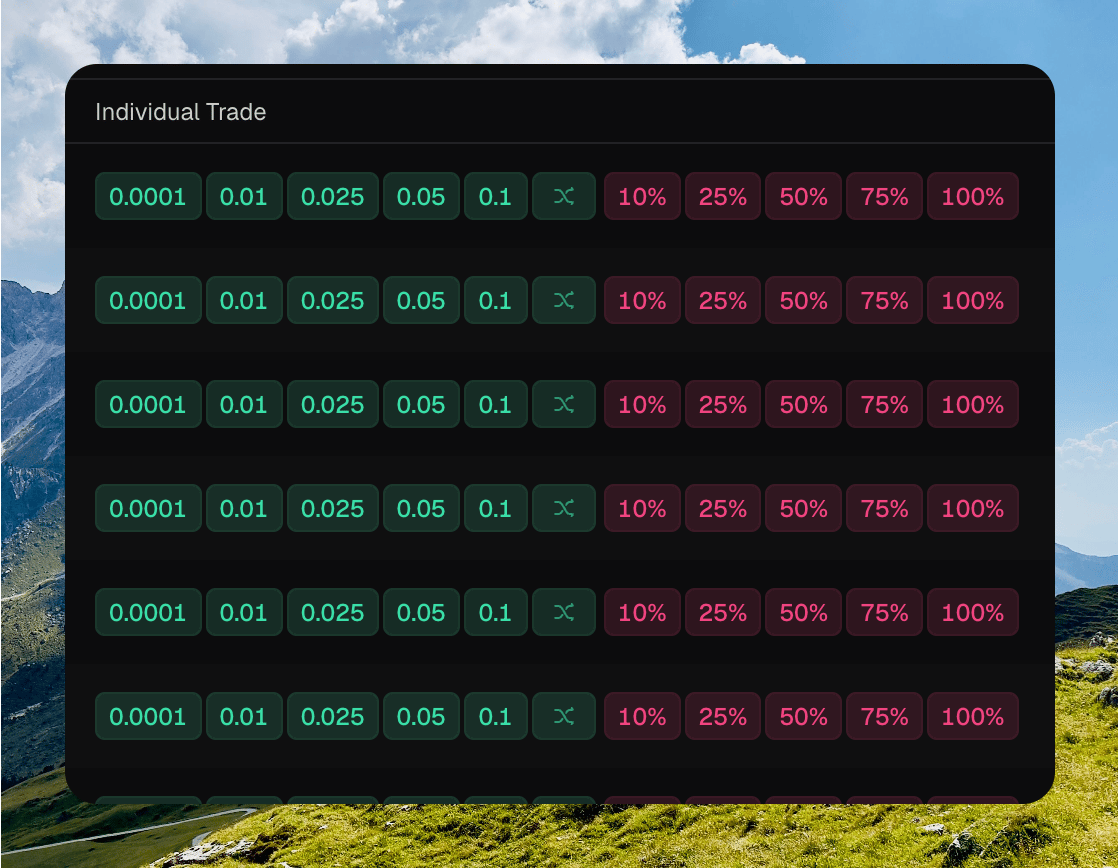 Hover a chip to see which wallet it trades from, and the amount.
## Trade amount modes
Each side has its own mode.
* **Percent** sizes the trade from that wallet's balance. Buy uses native balance. Sell uses token holdings. Percent is the default.
* **Fixed** uses a set native amount on buy, or a set token amount on sell.
Switch the mode in [Trade Settings](/trading/trade-settings).
## Per-currency amounts
Fixed buy chips are stored per native currency: **SOL**, **ETH**, and **BNB**. Switching the currency in Trade Settings shows that currency's chips. The percent numbers do not carry over.
## Instant Trade
**Instant Trade** skips the confirmation dialog on wallet-row chips. It is stored on this device.
Turn it on from the Wallets toolbar, or from **Settings → Trading**. When it is off, a chip opens **Confirm buy** or **Confirm sell**. That dialog can **Enable Instant Trade** for the next click.
Hover a chip to see which wallet it trades from, and the amount.
## Trade amount modes
Each side has its own mode.
* **Percent** sizes the trade from that wallet's balance. Buy uses native balance. Sell uses token holdings. Percent is the default.
* **Fixed** uses a set native amount on buy, or a set token amount on sell.
Switch the mode in [Trade Settings](/trading/trade-settings).
## Per-currency amounts
Fixed buy chips are stored per native currency: **SOL**, **ETH**, and **BNB**. Switching the currency in Trade Settings shows that currency's chips. The percent numbers do not carry over.
## Instant Trade
**Instant Trade** skips the confirmation dialog on wallet-row chips. It is stored on this device.
Turn it on from the Wallets toolbar, or from **Settings → Trading**. When it is off, a chip opens **Confirm buy** or **Confirm sell**. That dialog can **Enable Instant Trade** for the next click.
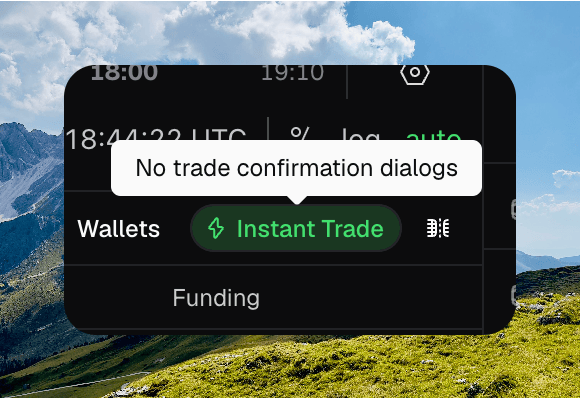 The [trade sidebar](/trading/trade-sidebar) does not use Instant Trade. Sidebar market submits go out immediately. Its **Randomize** button fills the amount field. It does not submit.